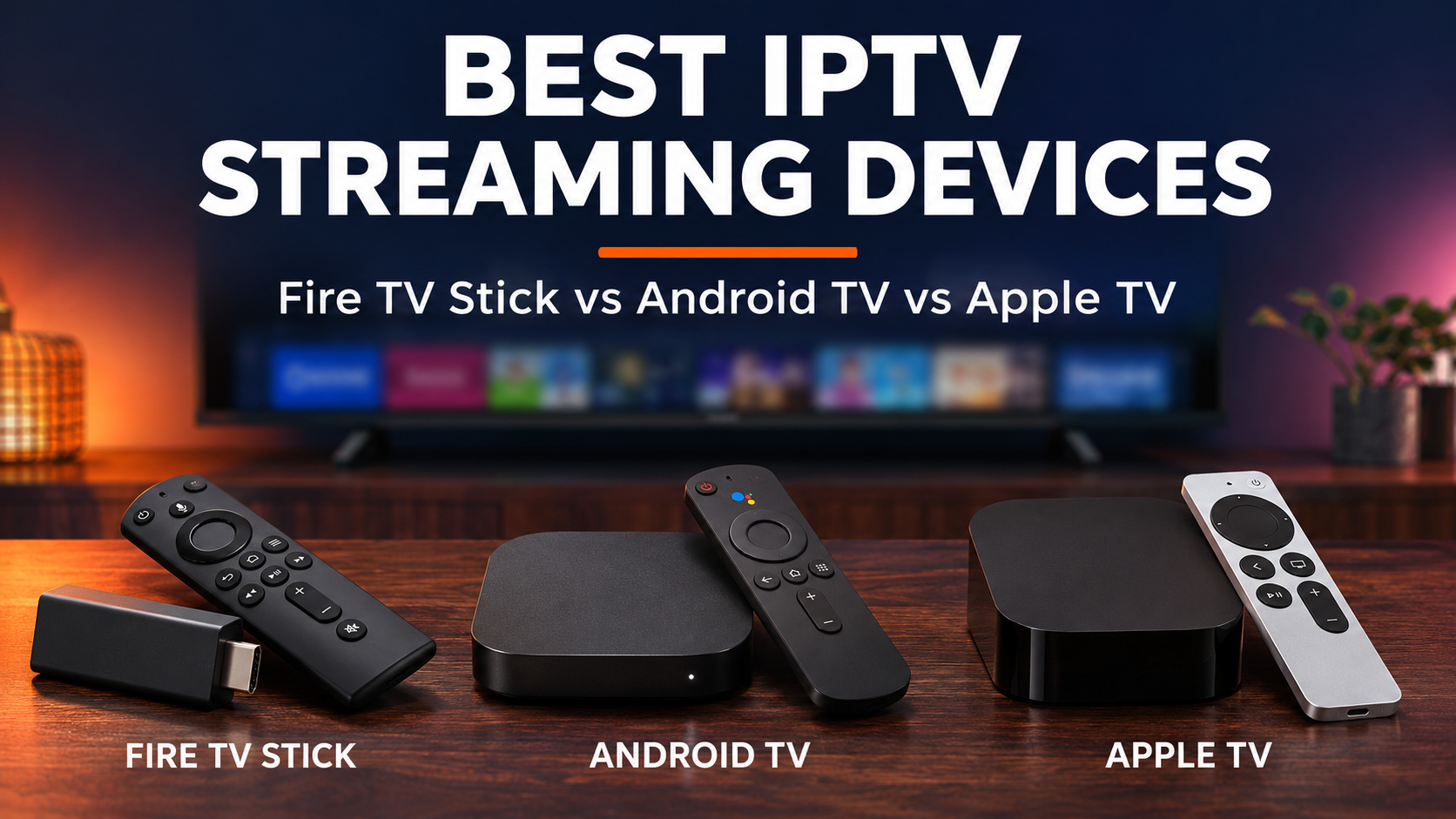
If you're buying a device just for IPTV, three kinds cover almost everyone in the U.S.: an Amazon Fire TV Stick, an Android TV or Google TV box, and an Apple TV. All three play IPTV. They differ in which player apps you can install, how you install them, and how well they cope with a large channel list.
The short answer
- Cheapest and easiest to find: a Fire TV Stick on regular Fire OS. Install the free OwnTV player with Downloader and you're watching in about fifteen minutes.
- Most power and the most apps: an Android TV or Google TV box. It runs every Android player, including TiviMate and OwnTV, and many boxes have a network port.
- You already live in Apple's world: an Apple TV. Apps come only from the App Store, and the choice is smaller, but the device is quick and the picture is excellent.
The same IPTV Streamline login works on all three, so the device you pick doesn't lock you into anything.
Fire TV Stick
The Fire TV Stick is the device most of our customers use. It plugs into an HDMI port, comes with a voice remote, and is on sale in most U.S. stores.
How apps get on it: popular IPTV players aren't in the Amazon Appstore, so you install them with the free Downloader app. You turn on "install unknown apps" for Downloader once, type a short code, and the player installs. Our Firestick setup guide shows every screen.
Players you can use: OwnTV (free, our pick), TiviMate, IBO Player Pro and most other Android players.
Where it falls short:
- Vega OS models. Some newer Fire TV models run Amazon's Vega OS instead of Fire OS. They can't install apps from outside the Amazon Appstore, so Downloader, OwnTV and TiviMate won't work on them. IBO Player Pro is in the Appstore and works fine. Our Vega OS guide explains what works on them.
- Storage. Sticks have little free space, and a big playlist plus its TV guide takes room. A stick that's nearly full gets slow.
- No network port. Sticks use Wi-Fi. If your router is far from the TV, an Ethernet adapter for the stick fixes most buffering.
Best for: one or two TVs, a tight budget, and anyone who wants the setup most guides and support teams know by heart.
Android TV and Google TV boxes
This group covers the Google TV Streamer, the NVIDIA Shield, the Onn boxes sold at Walmart, and TVs with Google TV built in (many Sony, TCL and Hisense models). They all run Android underneath.
How apps get on it: OwnTV and TiviMate install with Downloader, the same way as on a Firestick. Some players are also in the Google Play Store. Our Android and Google TV guide covers both.
Players you can use: every Android player. TiviMate in particular was built for Android TV, and its cable-style guide feels most at home here. If you're choosing between players, TiviMate vs IPTV Smarters Pro compares the two most common ones.
Where it does better than a stick:
- More power and memory on mid-range and higher boxes, so channels change faster and the guide scrolls smoothly with thousands of channels.
- A network port on many boxes, including the Google TV Streamer and the NVIDIA Shield. A cable to the router is the most reliable fix for buffering during live sports.
- More storage for the guide and for apps.
Where it falls short: prices vary a lot between models, and the cheapest unbranded boxes sold online often run old Android versions and never get updates. Buy a known brand.
Best for: sports fans, big households, TiviMate users, and anyone who has outgrown a stick.
Apple TV
The Apple TV 4K runs tvOS, Apple's own system. It's fast, the remote is simple, and it handles 4K and HDR well.
How apps get on it: only through the App Store. There's no sideloading, so OwnTV and TiviMate aren't available.
Players you can use: iSTB Player (free, our pick), Smarters Player Lite (free) and IBO Pro Player (paid), all from the App Store. Our Apple TV setup guide walks through each one. IBO Pro Player shows a MAC address and device key; our support team can activate it and add your playlist, so there's nothing to type on the remote.
Where it falls short:
- Fewer player choices, and the best-known Android players aren't on it.
- Price. It costs more than a stick or most Android boxes.
- Ethernet only on some models. Check the box before you buy if you want a wired connection.
Best for: homes with iPhones and Macs, and people who want an App Store device with no sideloading.
Side by side
| Fire TV Stick | Android TV / Google TV box | Apple TV | |
|---|---|---|---|
| How players install | Downloader (Fire OS) or Appstore (Vega OS) | Downloader or Play Store | App Store only |
| OwnTV (free) | Yes, on Fire OS | Yes | No |
| TiviMate | Yes, on Fire OS | Yes | No |
| IBO Player Pro | Yes | Yes | Yes (IBO Pro Player) |
| Network port | Adapter needed | On many boxes | Some models |
| Setup guide | Firestick | Android | Apple TV |
What about the TV's own apps?
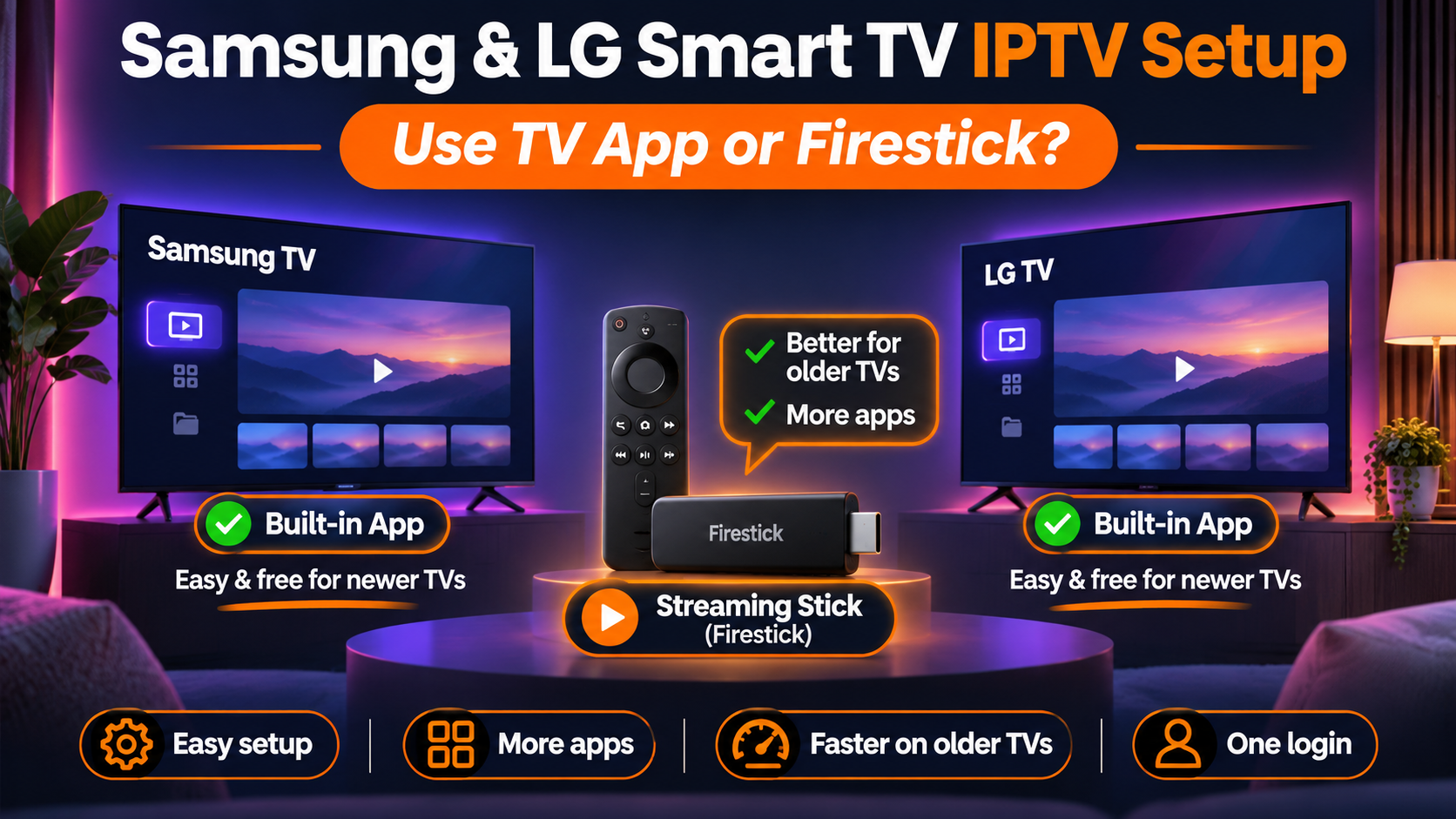
If you have a recent Samsung or LG TV, you may not need any of these. Both brands can run IPTV Smarters Pro and paid players straight from the TV's app store. Our post on the best IPTV setup for Samsung and LG TVs explains when the built-in app is enough and when a stick or box is the better choice.
Tips for whichever device you pick
- Use a cable or keep the router close. Weak Wi-Fi causes more buffering than any device does. Our buffering fixes go through router and network settings.
- Log in with Xtream Codes, not M3U, where the app allows it. The TV guide loads on its own.
- Restart properly once in a while. Unplug the device for 30 seconds instead of putting it to sleep with the remote.
- Test before you buy a plan. A free trial shows how your device and connection handle live channels.
When you've picked your device, choose a plan on the pricing page. Every plan includes the same channels, movies and series, whatever device you watch on.
FAQ
Is a Firestick or an Android TV box better for IPTV?
For one TV and a small budget, a Firestick on Fire OS is enough. For heavy sports watching, thousands of channels in the guide, or a wired connection, an Android TV or Google TV box does better.
Can I install TiviMate or OwnTV on an Apple TV?
No. Both are Android apps, and Apple TV only installs apps from the App Store. Use iSTB Player, Smarters Player Lite or IBO Pro Player instead.
How do I know if my Fire TV Stick runs Vega OS?
Amazon lists the operating system on each model's product page. Another sign: if you can't find Downloader in the Appstore, or there's no setting to install unknown apps, the stick is probably on Vega OS. Our Vega OS guide explains which app to use on it.
Do I need a VPN on my streaming device?
No. We don't ask customers to use one, and a VPN often slows streams down. Only use one if our support team tells you to.
Can I use one subscription on a Firestick and an Apple TV?
Yes, the same login works on every device. The number of devices that can watch at the same moment depends on how many screens your plan includes.