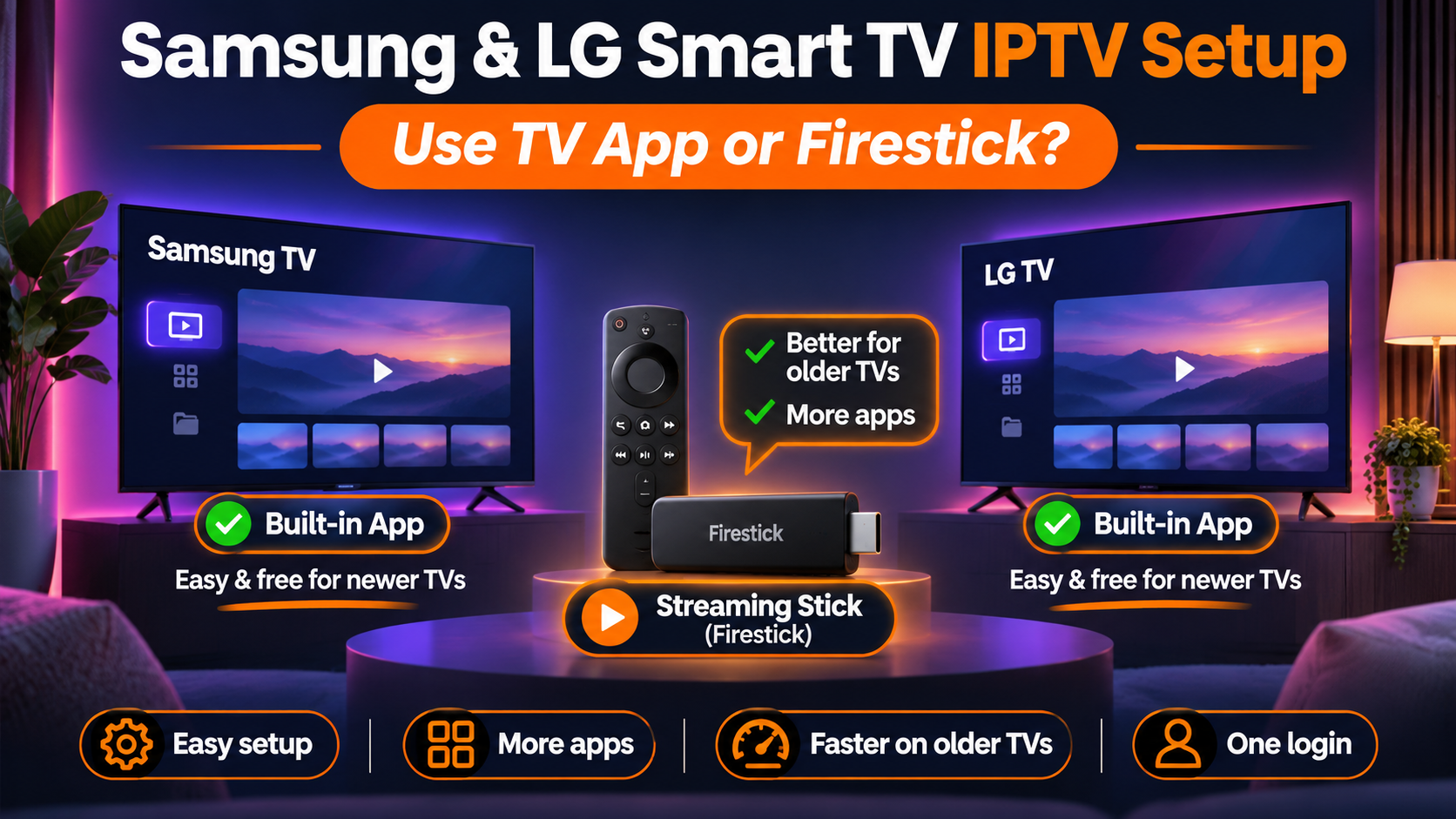
Samsung and LG are two of the most common smart TV brands in U.S. homes, and both can play IPTV without any extra box. The question is whether you should use the app built into the TV or plug in a streaming stick. This post answers that, then shows the best setup for each brand.
The short answer
- Your TV is a few years old or newer, and you watch on one TV: start with the app on the TV. It's free and takes ten minutes.
- The app keeps freezing, the TV is old, or you want TiviMate: plug in a Firestick or a Google TV device and use that instead. It's usually faster than the TV's own processor, and you get many more player apps.
Both work with the same IPTV Streamline login, so you can start with one and switch later without changing your subscription.
Why Samsung and LG are different from a Firestick
Samsung TVs run Tizen and LG TVs run webOS. Neither can install Android apps, so you can't sideload an app with Downloader the way you can on a Firestick. You can only use players that are listed in the TV's own app store.
That has three effects:
- Fewer apps. TiviMate and OwnTV don't exist for Samsung or LG. The main choices are IPTV Smarters Pro and a few paid players like IBO Player Pro (Samsung) and ibPlayer Pro (LG).
- The store decides. Which apps you see depends on your TV's model year and the country set on the TV. An app that's in the store on a new TV may be missing on a 2017 model.
- The TV's processor does the work. Smart TV chips are built to run the TV's menus, not to load a playlist with thousands of channels. On older models this shows as slow menus and long loading times.
Best setup on a Samsung TV
Free: IPTV Smarters Pro from Samsung Apps. Search for it, and before you install, check that the developer is listed as WHMCS SMARTERS. Samsung's store has several look-alike apps with similar names. Then sign in with Login with Xtream Codes API using your server URL, username and password.
Paid: IBO Player or IBO Player Pro, also from Samsung Apps. These show a MAC address and device key on first launch. We sell IBO activation at the app's own price, and our support team adds your playlist for you, so there's nothing to type on the remote.
Full step-by-step instructions, with what to do when an app doesn't show up, are in our Samsung Smart TV guide.
Best setup on an LG TV
Free: IPTV Smarters Pro from the LG Content Store. Search for IPTVSmartersPro written as one word, without spaces; with spaces the store often doesn't find it. Sign in with Xtream Codes.
Paid: ibPlayer Pro from the LG Content Store. Like IBO on Samsung, it shows a MAC address and device key, and our support team can activate it and add your playlist.
Our LG Smart TV guide has every step, including the direct LG store pages for both apps.
When a streaming stick is the better choice
Plug in a Firestick, a Google TV device or an Android TV box when any of these are true:
- The TV is more than five or six years old, or channels take a long time to start.
- The app you want isn't in your TV's store.
- You want TiviMate's cable-style guide, or OwnTV, our free pick for Firestick and Android TV.
- You'd like the same app and menus on every TV in the house.
A streaming stick plugs into any free HDMI port and uses the TV only as a screen. Setup takes about fifteen minutes with our Firestick guide or Android and Google TV guide. One check before you buy: some newer Fire TV models run Vega OS and can't install apps from outside the Amazon Appstore. Our Vega OS guide explains how to tell.
Settings that help on both brands
These make a bigger difference on a smart TV than on a stick, because the TV has less power to spare:
- Use a network cable if you can. Both Samsung and LG TVs have an Ethernet port. A cable removes most buffering caused by weak Wi-Fi.
- Turn off motion smoothing for sports. Samsung calls it Auto Motion Plus, LG calls it TruMotion. It can make fast action look smeared on live streams.
- Restart the TV properly. Turning it off with the remote usually puts it to sleep. Unplug it for 30 seconds when an app gets slow.
- Free up space. Remove apps you don't use. A TV that's low on storage loads playlists slowly.
- Keep the TV's software up to date, so the app store offers current app versions.
If the picture still stutters, our buffering fixes cover Wi-Fi and network settings, and IPTV Smarters Pro not working covers login and app problems.
Which one to pick
| Your situation | Best setup |
|---|---|
| Newer Samsung, one TV, free | IPTV Smarters Pro from Samsung Apps |
| Newer LG, one TV, free | IPTV Smarters Pro (search IPTVSmartersPro) |
| You don't want to type logins on the remote | IBO Player Pro (Samsung) or ibPlayer Pro (LG), set up by our support |
| Older TV, or the app freezes | A Firestick or Google TV device with OwnTV or TiviMate |
| Several TVs in one house | The same streaming stick on each TV |
Not a customer yet? Pick a plan on the pricing page, or test your TV first with a free trial.
FAQ
Can I install IPTV Smarters Pro on a Samsung TV?
Yes, on most models from recent years. Search Samsung Apps for IPTV Smarters Pro and install the one whose developer is WHMCS SMARTERS. If it isn't listed, your TV's model year or region may not support it; a streaming stick is the fix.
Why can't I find IPTV Smarters Pro on my LG TV?
Search for IPTVSmartersPro as one word. If it still doesn't show, the app may not be offered for your TV's webOS version or the country set on the TV.
Can I install TiviMate on a Samsung or LG TV?
No. TiviMate only runs on Android-based devices. Plug in a Firestick or Google TV device if you want it.
Is a Firestick better than the Samsung or LG app?
On older TVs, usually yes: it's faster and has more player apps. On a recent TV, the built-in app is good enough for most people, and you don't need extra hardware.
Do I need a VPN on my smart TV?
No. We don't ask customers to use one, and a VPN often slows streams down. Only use one if our support team tells you to.