TiviMate and IPTV Smarters Pro are the two player apps people ask us about most. Both do the same basic job: you type in the login from your IPTV provider and they show you live TV, a TV guide, movies and series. Neither one comes with channels.
They're built for different people, though. Short version:
- TiviMate is for a Firestick or Android TV box when you mostly watch live TV and want a guide that looks like cable. Most of its features need a paid Premium upgrade.
- IPTV Smarters Pro is free and runs on more devices, including some Samsung and LG TVs, iPhone and computers. It's simpler and better suited to movies and series than to channel surfing.
The rest of this post explains where each one wins.
Which devices each app runs on
This decides it for many people before anything else matters.
| Device | TiviMate | IPTV Smarters Pro |
|---|---|---|
| Firestick / Fire TV (Fire OS) | Yes, installed with Downloader | Yes, installed with Downloader |
| Android TV, Google TV, Android boxes | Yes | Yes |
| Android phones and tablets | No (TV app only) | Yes |
| Samsung and LG smart TVs | No | Yes, where the store lists it |
| iPhone, iPad, Apple TV | No | Smarters Player Lite |
| Windows and Mac | No | Yes |
TiviMate is made for a TV remote and for Android TV-based devices only. If you have a Samsung TV, an iPhone or a laptop, it's not an option and the choice is made for you. Our Samsung and LG guides list the players that work there.
Newer Fire TV models running Vega OS can't install apps from outside the Amazon Appstore, so neither TiviMate nor Smarters installs the usual way. See our Vega OS guide if your Fire TV is one of them.
Live TV and the TV guide
This is where TiviMate is clearly ahead.
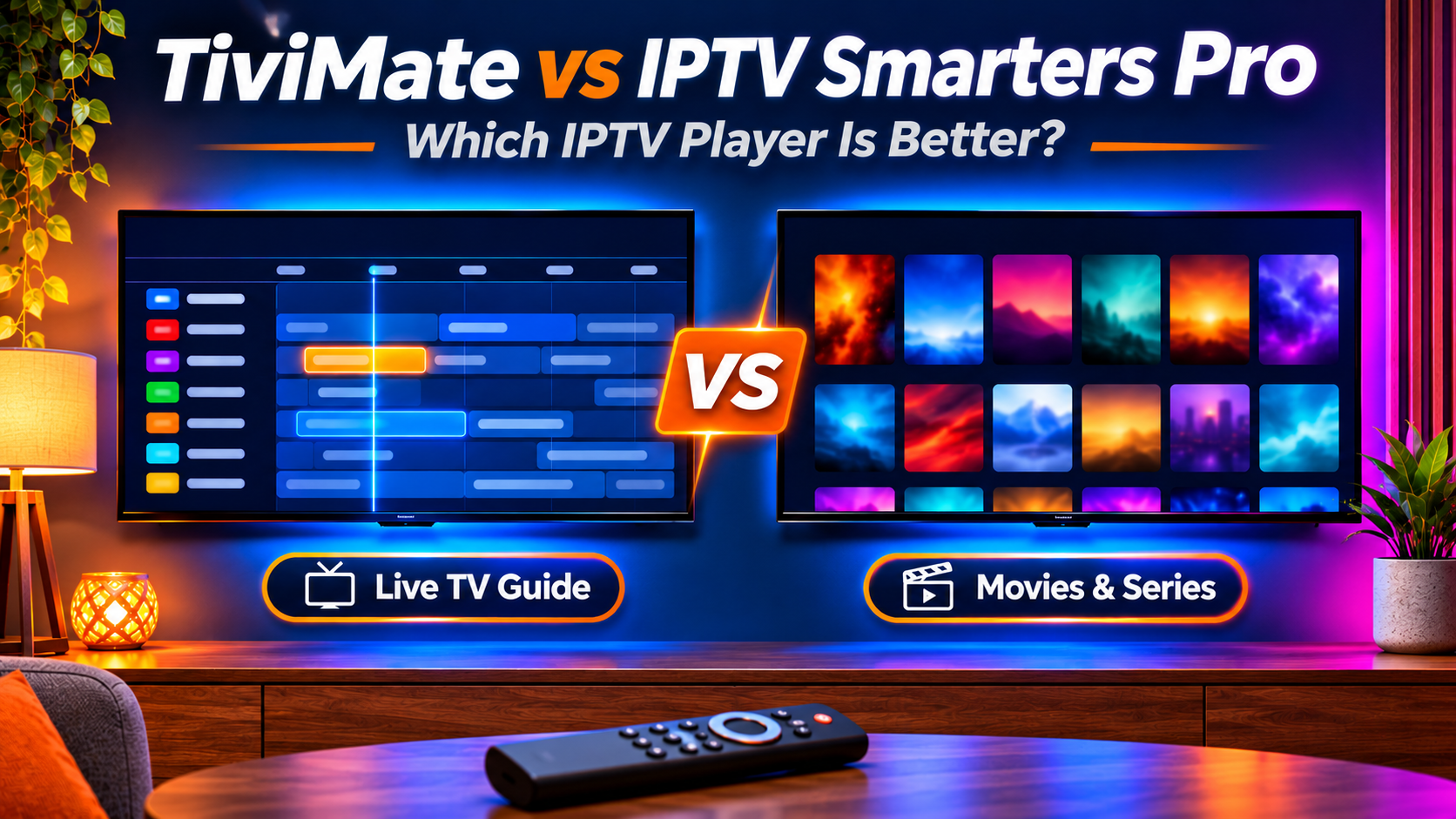
TiviMate opens straight to a TV guide grid: channels down the side, times across the top, the same layout as a cable box. You scroll through what's on now and next, and press OK to switch. You can hide channel groups you never watch, reorder channels and build favorite lists, so after ten minutes of setup the app shows only what your household uses.
Smarters puts live TV behind a menu. You pick Live TV, then a category, then a channel. It has a TV guide too, but it feels like a list you look things up in, not something you browse. For someone who flicks between sports and news all evening, the extra clicks add up.
If live TV is most of what you watch, this one section is reason enough to pick TiviMate on a Firestick or Android box.
Movies and series
Here Smarters does better. Movies and series get their own sections with posters, descriptions and seasons laid out by episode, and it remembers where you stopped. It feels closer to a streaming app.
TiviMate shows movies and series too, but it treats them as an extra next to live TV. It works, but browsing a large movie library is less comfortable than in Smarters.
Price
IPTV Smarters Pro is free to download and use.
TiviMate has a free version, but it's limited: most of the features people pick it for, like favorites, catch-up and recording, sit behind TiviMate Premium. Premium is a paid upgrade from the developer, with a yearly option and a one-time lifetime option. It's bought through the TiviMate Companion app on an Android phone, and one Premium account can be used on several devices. Prices change, so check the current price in the Companion app before you buy.
Neither payment goes to us. Your IPTV subscription and your player app are separate purchases from separate companies.
Setting it up
Both apps take the same two kinds of login:
- Xtream Codes: server URL, username and password. This is what we recommend. It's easier to type and loads the TV guide, movies and series on its own.
- M3U playlist: one long web address that contains your login. It works, but you usually have to add the TV guide link separately.
Smarters asks for the login on the first screen. TiviMate walks you through adding a playlist, then asks for the guide. Both take about five minutes with the details in front of you. If anything goes wrong at that step, the fixes in IPTV Smarters Pro not working apply to both apps, since most problems are the login or the connection, not the player.
Other features worth knowing
- Recording: TiviMate Premium can record live TV to the device or a USB drive. It needs free storage, and it only works on channels the provider allows to be recorded.
- Catch-up: both can play programs that already aired, if your provider's channels support catch-up. TiviMate needs Premium for it.
- Multiple logins: Smarters handles several users in one app, which helps if two people in the house have their own subscriptions. TiviMate Premium supports several playlists.
- Parental controls: both can lock categories with a PIN.
A third option: OwnTV
On Firestick and Android TV, our own setup guides now use OwnTV. It's a free, open-source player made for TV remotes, and it sits between the two: a channel guide closer to TiviMate's, no paid upgrade, and a feature that lets you type your login on your phone instead of with the remote. It needs Fire OS 7 or Android 8 or newer, and there's a separate OwnTV Mobile app for Android phones and tablets.
If you'd rather have a paid player with setup done for you, we also sell IBO Player Pro activation at the app's own price, and our support team adds your playlist to it. Details are in the Firestick guide.
Which one to pick
- Firestick or Android TV, mostly live TV and sports: TiviMate with Premium, or OwnTV if you don't want to pay for a player.
- Mostly movies and series: IPTV Smarters Pro.
- Samsung or LG TV, iPhone, Apple TV or a computer: Smarters (or the player listed in the guide for your device). TiviMate doesn't run there.
- Several different devices in one house: Smarters, since it's the same app on almost all of them and you only learn one menu.
Your IPTV Streamline login works in all of them, and you can switch apps any time without changing your subscription. If you haven't picked a plan yet, start with a free trial and test both players before you pay.
FAQ
Is TiviMate better than IPTV Smarters Pro?
For live TV on a Firestick or Android TV box, yes: its TV guide and channel management are the best of the two. For movies and series, and on any device that isn't Android TV-based, Smarters is the better or only choice.
Is TiviMate free?
The app is free to install, but most of its useful features need TiviMate Premium, a paid yearly or lifetime upgrade bought through the TiviMate Companion app.
Can I use TiviMate on a Samsung or LG TV?
No. TiviMate only runs on Android TV-based devices such as Firestick, Google TV and Android boxes. On Samsung and LG TVs, use one of the players in our Samsung or LG guide.
Can I use the same IPTV login in both apps?
Yes. The login belongs to your subscription, not to the app. Just remember that two devices playing at the same time count as two screens on your plan.
Do I need to pay for a player app to use IPTV Streamline?
No. IPTV Smarters Pro and OwnTV are free, and our setup guides show how to install them on each device.