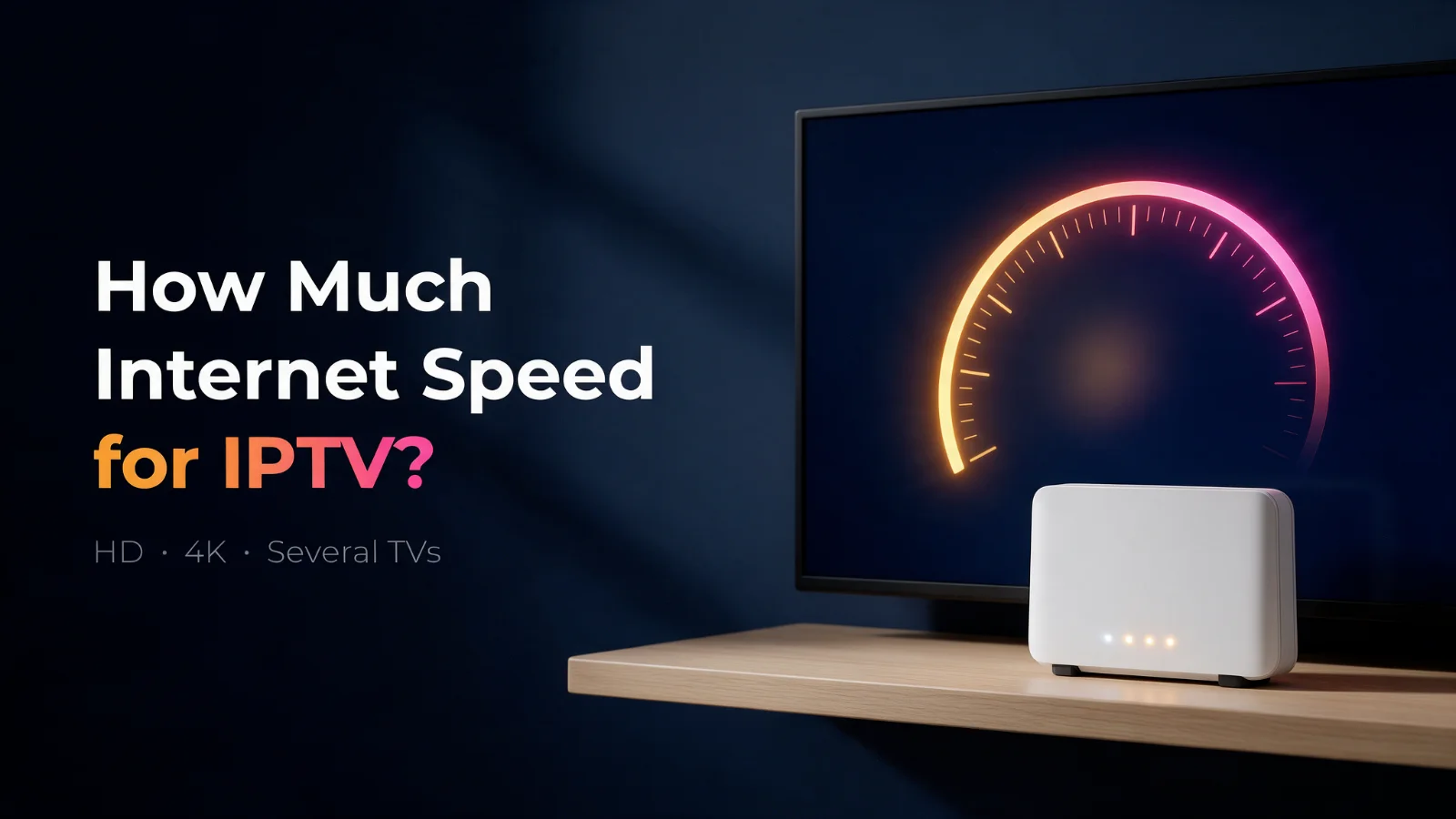
For one TV, IPTV needs about 10 to 15 Mbps for HD and 25 Mbps or more for 4K. That's per screen, and it's the speed that actually reaches your TV, which is often much lower than the speed on your internet bill.
Below are the numbers for each picture quality and household size, how to measure your real speed, and what to change when the number is fine but the picture still freezes.
Speed per screen
Xfinity's 2026 streaming guide gives a minimum and a recommended speed for each picture quality. We use the recommended column, because live TV has less room for error than on-demand video.
| Picture quality | Minimum | Recommended |
|---|---|---|
| SD (480p) | 3 Mbps | 5 Mbps |
| HD (720p and 1080p) | 5 to 8 Mbps | 10 to 15 Mbps |
| 4K Ultra HD | 15 to 25 Mbps | 25 Mbps or more |
Source: Xfinity, internet speed for streaming. For comparison, Netflix recommends 3 Mbps for 720p, 5 Mbps for 1080p and 15 Mbps for 4K.
Why live TV needs more than Netflix. A movie service downloads minutes of video ahead of where you're watching, so a short slowdown goes unnoticed. A live channel can only buffer a few seconds ahead, because those seconds haven't happened yet. Any dip in your connection shows up as a freeze. That's why live TV services ask for more: YouTube TV recommends 13 Mbps for HD when other devices share the network, and Hulu asks for at least 8 Mbps for live streams, according to HighSpeedInternet.com.
Speed for the whole household
Add up every screen that plays at the same time, then leave room for phones, computers and game consoles. Xfinity suggests adding 10 to 20 Mbps for background devices.
| Household | What's playing at once | Speed to aim for |
|---|---|---|
| One person | One TV, HD or 4K | 25 Mbps |
| Couple | Two TVs, up to 4K | 100 Mbps |
| Family of 3 to 4 | Two or three TVs, some 4K, phones and homework | 200 to 300 Mbps |
| Large household | Four or more screens, gaming, video calls | 500 Mbps or more |
These rows follow Xfinity's 4K recommendations, so a home that watches in HD can manage with less. HighSpeedInternet.com's general advice is at least 100 Mbps for most households.
Your IPTV plan works the same way: each screen that plays at the same moment uses its own connection. A 2-screen or 3-screen plan lets several TVs watch at once, and your internet has to carry all of them.
How to measure the speed that reaches your TV
The speed test on your phone, next to the router, tells you about the router. What matters is the speed at the TV.
- Test on or next to the TV device. Many smart TVs and streaming sticks have a web browser; open fast.com or speedtest.net there. Otherwise, stand next to the TV with your phone, on the same Wi-Fi network.
- Test at the time you watch. Run it once in the afternoon and again around 9 PM. Evening speeds can be much lower when your whole street is streaming.
- Look at more than download speed. A good result for live TV has a steady download, a ping under about 50 ms, and little jitter. If the speed jumps up and down during the test, expect freezes even if the average looks fine.
- Compare with your plan. If you pay for 300 Mbps and the TV gets 20, the problem is inside your home, and you can fix it.
When the speed test is fine but the picture freezes
Wi-Fi is the usual cause. Walls, floors, microwaves and distance all cut the signal. In order of impact:
- Use a network cable. Many Android TV boxes and smart TVs have a network port; Fire TV Sticks need a small Ethernet adapter. This fixes most freezing on its own.
- Use the 5 GHz Wi-Fi network if your router has one. It's faster at short range than 2.4 GHz.
- Move the router or add a mesh point near the TV. A mesh system works better than a cheap plug-in extender.
- Restart the router once a week, and unplug the streaming device for 30 seconds instead of using sleep mode.
Other devices are using the connection. Large downloads, cloud photo backups and console updates can take most of your bandwidth. Pause them during games.
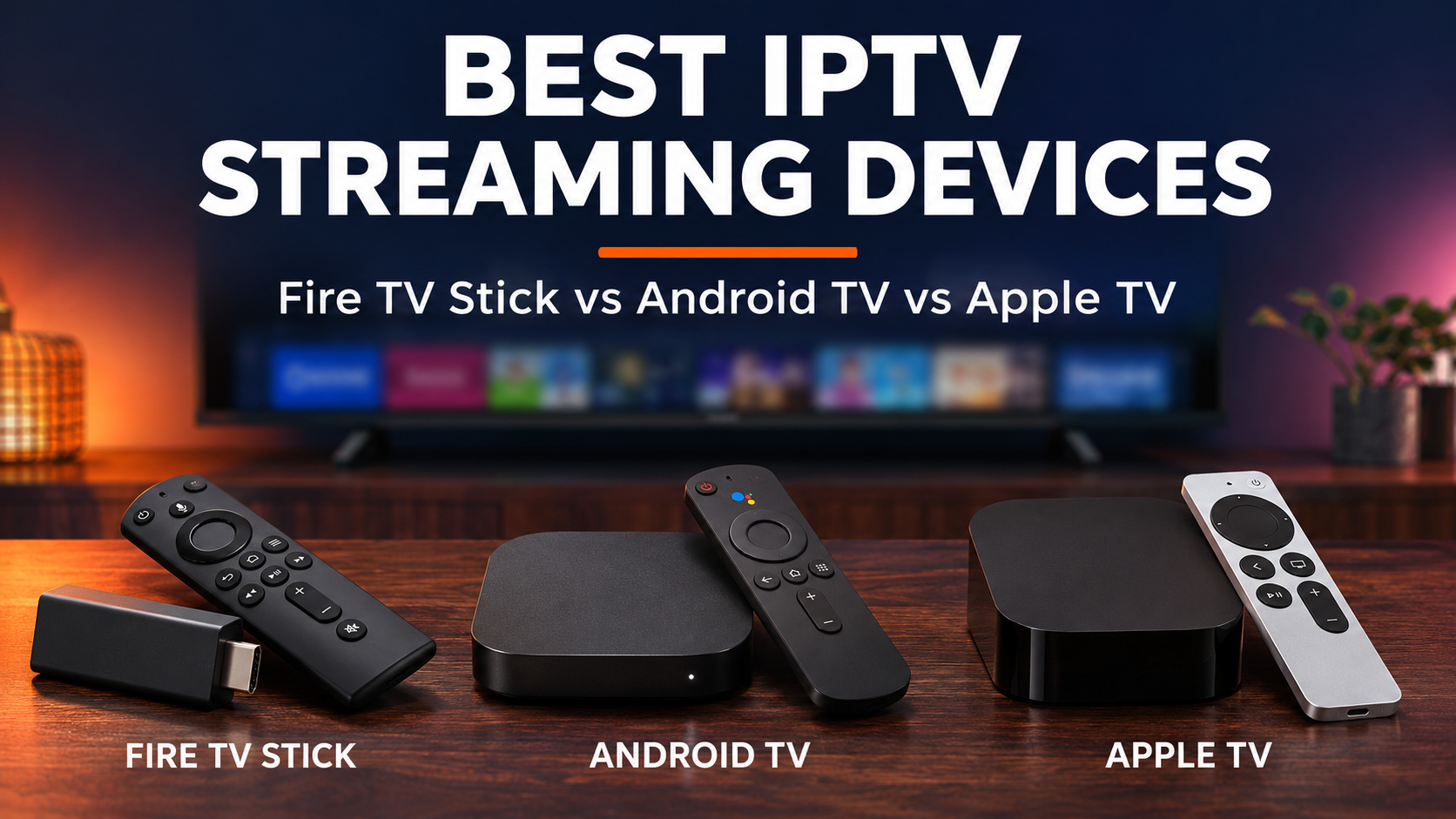
The device is struggling. An old or nearly full streaming stick can't keep up with a big channel list and a full TV guide. Clear the app's cache, uninstall apps you don't use, or see our comparison of Firestick, Android TV box and Apple TV.
A VPN is on. A VPN sends your traffic through an extra server, which adds delay and can cut your speed. Turn it off when you test, and only use one if our support team suggests it.
For a full checklist with device settings, see our buffering fixes.
Starlink, 5G home internet and DSL
Satellite internet such as Starlink can be fast, but the connection can drop for a moment when the dish switches satellites or something blocks its view. On live TV, those short drops show up as brief freezes. Wire the streaming device to the Starlink router and choose HD over 4K.
5G home internet (T-Mobile, Verizon, AT&T) depends on signal strength and how busy the local tower is. Put the gateway near a window facing the tower, and test speed in the evening before deciding on 4K.
DSL often tops out below 25 Mbps. One HD stream works; two at once may not. Set your player to HD or lower quality if it has the option.
Should you watch in 4K?
Only if three things are true: the TV is 4K, your connection gives at least 25 Mbps at the TV, and that speed holds in the evening. Otherwise pick the HD or FHD version of the channel. A steady HD picture looks better than a 4K picture that stops every few minutes, and most live channels are broadcast in HD anyway.
Do you need a faster internet plan?
Probably not, if you're under the numbers in the household table above and your Wi-Fi reaches the TV well. Fix the Wi-Fi first; it's cheaper than upgrading and solves more problems. Upgrade when you regularly stream on three or more screens at once, or when evening speed tests at the TV come in below 25 Mbps even on a cable.
The easiest way to check all of this is to try it. A free trial lets you test live channels at peak time on your own TV and connection before you pay.
FAQ
What is the minimum internet speed for IPTV?
About 5 Mbps per screen for SD and 10 to 15 Mbps per screen for smooth HD. For 4K, plan on 25 Mbps or more per screen.
Is 100 Mbps enough for IPTV?
Yes, for most homes. 100 Mbps covers two or three HD screens at once plus phones and computers, as long as the Wi-Fi signal at each TV is strong.
Does IPTV use more data than Netflix?
Per hour at the same quality, live TV uses a similar amount. Households often watch more hours of live TV than of on-demand shows, so if your internet plan has a monthly data cap, keep an eye on it.
Why does IPTV buffer when my speed test is fast?
The test was probably run near the router or at a quiet time of day. Test at the TV in the evening, use a network cable or 5 GHz Wi-Fi, and turn off any VPN.
Is Wi-Fi or Ethernet better for IPTV?
Ethernet. A cable gives the TV a steady connection that walls and other devices can't disturb. Use 5 GHz Wi-Fi close to the router if a cable isn't possible.