
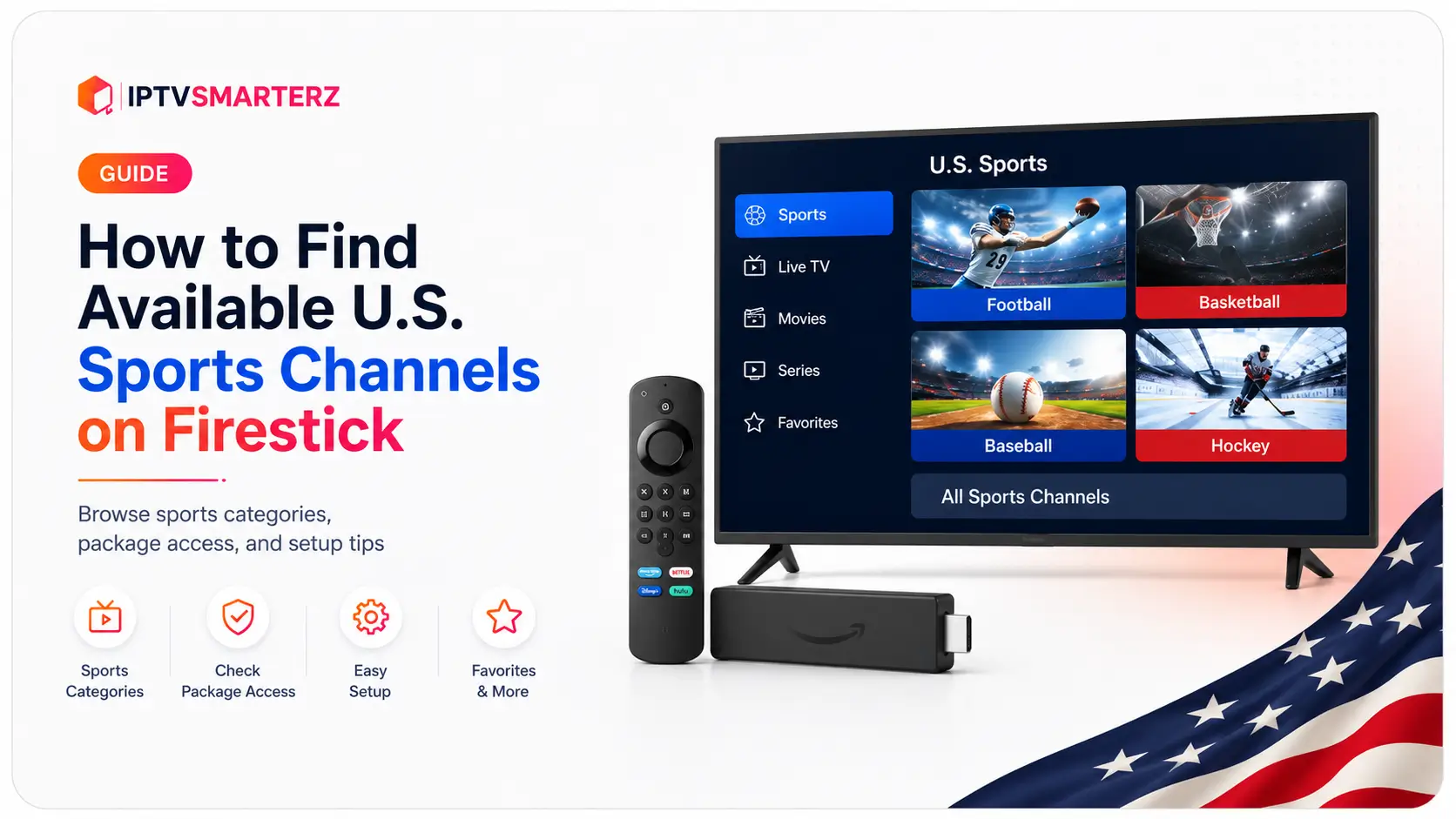
You can watch U.S. sports channels on a Firestick with a compatible IPTV player and an active subscription that includes them. The player itself has no sports. So: check your package, install the right app, sign in, then browse the sports categories in your playlist.
This guide covers how to find U.S. sports channels on Firestick, how to pick a player, what to check when a channel is missing, and why the app and the subscription are two separate things.
Availability: Sports channels, events and regional feeds vary by package, location, licensing and schedule. Seeing a channel name in the guide doesn't guarantee every game or event will be on it.
What you need
- A regular Android-based Firestick, Fire TV Stick or Fire TV Cube
- An IPTV player that works on it
- An active subscription that includes the sports categories you want
- Your Xtream Codes, M3U or app activation details
- A stable internet connection
Vega OS Fire TV Sticks use a different app system. Read the Vega OS Fire TV Stick guide before following Android Firestick steps.
Common U.S. sports categories
Depending on your package you'll find categories for national sports networks, football, basketball, baseball, hockey, college sports, combat sports, motorsports, golf, tennis and regional sports, plus event listings when available.
People often search for ESPN, CBS, NBC, FOX, NFL Network, NBA TV, MLB Network and NHL Network. What's actually there depends on your subscription and package.
1. Check that your subscription includes sports
Installing a player doesn't add channels. It only shows what your subscription includes.
- Is the subscription active?
- Is the right package linked to your login?
- Does it include sports categories?
- Are you using the login for the right subscription?
See our channel list for what's included. Availability varies by package and region.
2. Pick a player
IPTV Smarters Pro, TiviMate and IBO Player Pro all work on Firestick. Each lays out categories differently.
- IPTV Smarters Pro: easy Xtream Codes or M3U setup, with clear sections for live TV, movies, series, favorites and the guide.
- TiviMate: a detailed TV guide, favorites, custom groups, search, recording and advanced navigation.
- IBO Player Pro: a paid app you activate with a MAC address and device key.
Compare them in our best IPTV players for Firestick guide.
3. Install the app properly
Follow the steps for your device and app. Don't install random APKs or modified versions. Our Firestick setup guide covers regular Fire OS devices.
4. Sign in with the right details
- Xtream Codes: type the server URL, username and password exactly. An extra space or missing character stops categories from loading.
- M3U playlist: paste the full URL. A cut-off or expired link means missing categories or a failed login.
- MAC address and device key: for apps like IBO Player Pro, use the values the app shows, not your Firestick's network MAC address (unless support asks for it).
5. Find the sports categories
- Open the player.
- Go to Live TV.
- Open the category list.
- Look for sports, U.S. sports, league, network or regional categories.
- Use search if the app has it.
- Add channels you watch often to Favorites.
Names vary. A channel might sit under general sports, a U.S. category, a network group or a league group.
6. Use search and favorites
Search by network, league, team city, sport or event. Add the channels that work to Favorites so they're easy to find next time.
7. Check the TV guide
The guide shows what's on when your provider includes guide data. Refresh it if listings are missing or old. Guide data can lag, so confirm big game times with the league, team or network.
8. Why a sports channel might be missing
- Your package doesn't include it
- The playlist hasn't finished loading
- It's in a different category
- The playlist or guide needs a refresh
- The channel was renamed
- The game is on a different network
- The feed is temporarily down
- Your subscription or login has expired
9. Refresh the playlist and guide
- Open the app settings and select your playlist.
- Choose the update option.
- Refresh the guide (EPG).
- Wait for both to finish, then restart the app.
Don't delete and re-add the playlist without saving your login details first.
10. Try another player
- If the channel shows up in another player, refresh or set up the first app again.
- If it's missing in both, check your package or contact us.
- If it shows up but buffers in both, check your network and the source.
11. Fix buffering during games
Fast-moving sports expose weak Wi-Fi and busy devices.
- Restart the Firestick and router.
- Clear the player's cache (not its data).
- Free up storage.
- Try another channel.
- Try both 5 GHz and 2.4 GHz Wi-Fi, or Ethernet.
- Test on a phone hotspot.
- Check your router's security and filtering.
The Firestick buffering guide has the full steps.
12. Don't use a VPN by default
A VPN can slow things down or add new problems. Only test one if our support team asks.
13. Official league and network apps
You can also use official league or network apps on Firestick if you have a subscription or TV provider login for them. Their device support, blackout rules and viewing rights vary. They're separate from IPTV players: signing in to one doesn't unlock the other.
14. When to contact us
- The sports category is missing completely
- Your subscription is active but nothing loads
- The same problem happens in two trusted players
- It works on a hotspot but not on home Wi-Fi
- You get an error message
Tell us your Firestick model, the app, the category or channel, a screenshot of the error, and what happened with the other player and the hotspot. Never post your password publicly; use our contact page.
Related guides
Firestick setup · Best Firestick players · TiviMate guide · Buffering fixes · Channel list · Plans · Free trial
Frequently asked questions
Can I watch U.S. sports channels on Firestick?
Yes, with a compatible app and a subscription (or official service) that includes those channels.
Does IPTV Smarters Pro include sports channels?
No. It's a player. The channels come from your subscription.
Does TiviMate include NFL, NBA, MLB or NHL channels?
No. TiviMate only plays playlists you add.
I found the channel, so why isn't the game on?
The game may be on another network, blacked out in your area, not in your package, delayed, or not scheduled on that feed.
Why is the sports category missing?
Your package may not include it, the playlist may need a refresh, your account may have expired, or the category has a different name.
Search or browse?
Search first. Big playlists can list the same sports under network, league, regional and general sports groups.
Can I use more than one player?
Yes. A second trusted player helps you tell whether a problem is the app.
Do I need a VPN?
No. Check your network and test a hotspot first, then follow our support team's advice.