
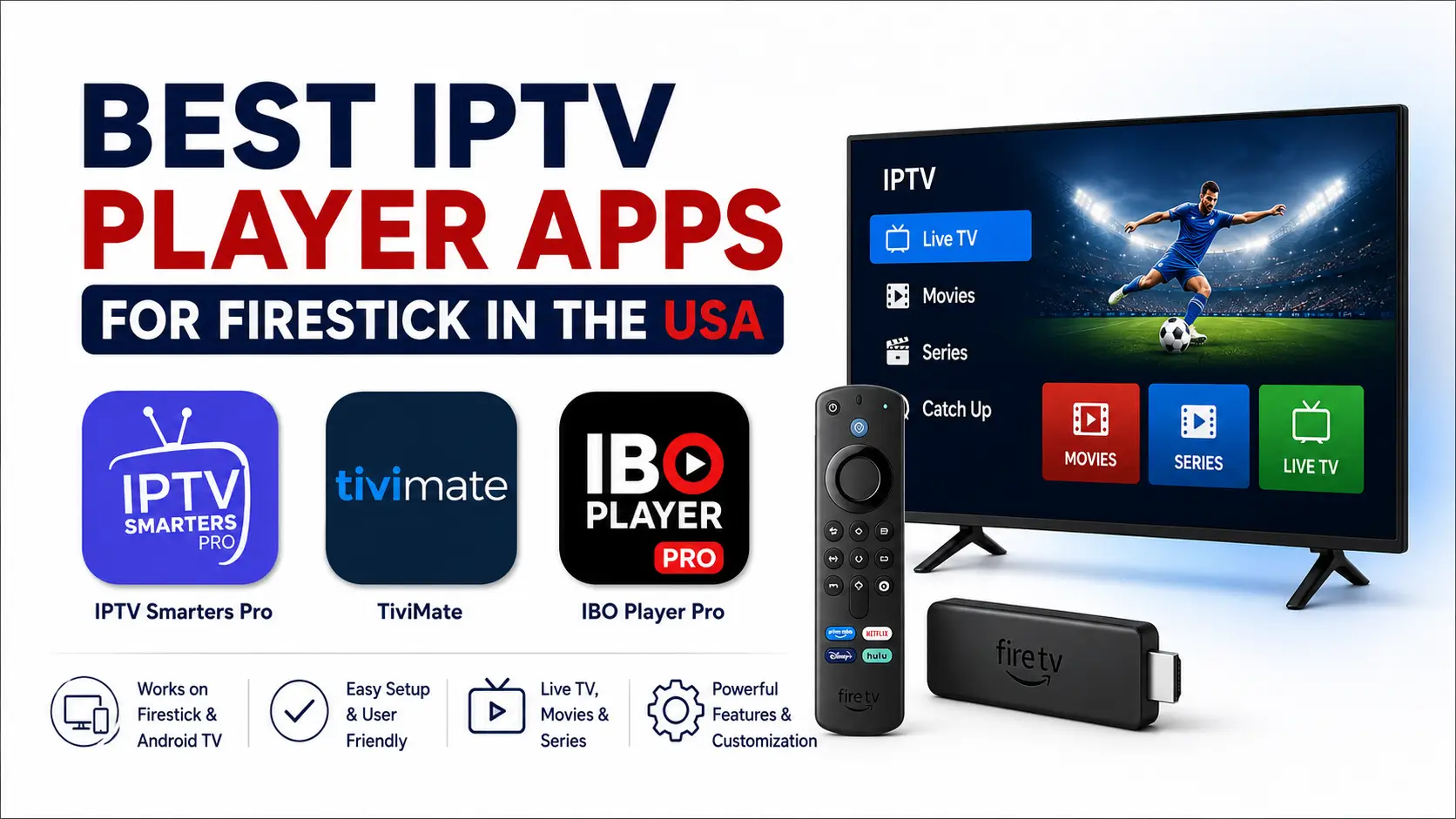
The best IPTV player for your Firestick depends on how you sign in, how much control you want over playlists and the TV guide, and whether you're happy to pay for an app. For most IPTVSMARTERZ customers it comes down to three: IPTV Smarters Pro for easy setup, TiviMate for advanced TV-style controls, and IBO Player Pro for a clean paid interface.
This comparison is for U.S. customers using a regular Android-based Firestick, Fire TV Stick or Fire TV Cube. What's available can vary by model, region and app store listing.
Important: IPTV players come with no channels, movies, series or subscription. They only play what your login or playlist gives them.
Quick comparison
| App | Best for | Cost | How you sign in |
|---|---|---|---|
| IPTV Smarters Pro | Easy setup, familiar menus | Free option | Xtream Codes or M3U |
| TiviMate | Advanced guide, favorites, recording, customization | Free, optional Premium | Xtream Codes, M3U or supported portals |
| IBO Player Pro | Clean interface, activation-based setup | Paid | MAC address and device key |
No player is best for everyone. Pick based on your device, your login type and the features you'll actually use.
1. IPTV Smarters Pro: best for easy setup
A good first choice if you want a familiar layout and a simple login. It works well with Xtream Codes details (server URL, username and password).
Why pick it
- Simple account setup
- Xtream Codes and M3U support
- Separate sections for live TV, movies and series
- Favorites and search
- TV guide when your provider includes one
- Free option
Good for: getting from "I have my login" to watching as fast as possible, and using the same layout on several devices.
Watch out for
- Fewer guide options than TiviMate
- Many look-alike copies with similar names
- Features differ by version
Install it the way our Firestick setup guide shows, and avoid apps with similar "Smarters" names. Full steps are in our IPTV Smarters Pro guide.
2. TiviMate: best for advanced users
Built for TV screens and remotes. Choose it if you want a detailed TV guide, several playlists, custom groups, recording, catch-up (when available), parental controls and multiview.
Why pick it
- Remote-friendly layout
- Detailed TV guide
- Multiple playlists
- Favorites and group sorting
- Search and channel history
- Recording on supported setups
- Catch-up when the playlist supports it
- Parental controls
- Multiview on supported devices
- Lots of customization
Good for: people whose Firestick is their main TV and who want control over the guide, groups and playback.
Watch out for
- Many advanced features need TiviMate Premium
- More settings, so setup feels less simple
- On a regular Firestick you may need a trusted manual install
- TiviMate Companion handles Premium but isn't the app you watch with
Read our TiviMate guide before installing or buying Premium.
3. IBO Player Pro: best for a clean paid app
A paid player with a tidy, TV-focused layout. Setup starts by installing the app and noting the MAC address and device key it shows on screen.
Why pick it
- Clean, modern layout
- Made for TVs and remotes
- Live TV, movies and series sorted neatly
- Favorites and playlist categories
- TV guide when included
- Simple activation
Good for: people who'd rather activate an app than type long login details with a remote.
Watch out for
- You pay to activate it after any trial
- Availability varies by Fire TV model and region
- Activation needs the exact MAC address and device key the app shows
- Don't pay until the app is installed and showing both values
IPTVSMARTERZ doesn't own IBO Player Pro. Paying for it unlocks the player only, not an IPTV subscription. We can activate IBO Player Pro for you.
Which one should you choose?
IPTV Smarters Pro if you want a free app, the simplest Xtream Codes login, clear menus, or it's your first time setting up IPTV.
TiviMate if you want the best guide and remote experience, use several playlists, want advanced favorites, recording or multiview, and don't mind more settings.
IBO Player Pro if you like a clean paid app, want to activate with a MAC address and device key instead of typing a login, and it's available for your Firestick.
What kind of login do you have?
Check what your provider sent you before picking an app.
- Xtream Codes: a server URL, username and password. Works with IPTV Smarters Pro and TiviMate.
- M3U playlist: one long playlist URL. Works with IPTV Smarters Pro and TiviMate.
- MAC address and device key: shown inside IBO Player Pro and used to activate it. Use the values in the app, not your Firestick's network MAC address.
Regular Fire OS vs Vega OS
This article covers regular Android-based Fire OS devices. Vega OS Fire TV Sticks use a different app system and can't install Android APKs. On Vega OS, an app has to be available in Amazon's catalog for that model and region, so don't use Downloader codes or APK steps. See the Vega OS Fire TV Stick guide.
Avoid fake or unsafe apps
Lots of apps copy names, icons and descriptions.
- Follow our setup guide.
- Check the exact app name and developer.
- Avoid cracked or "Premium unlocked" APKs.
- Don't use download links from social media or unknown sites.
- Don't type your IPTV login into an app you can't verify.
- Delete downloaded APK files afterwards to free up space.
Does the player affect buffering?
A player affects decoding, caching, channel switching and compatibility, but it can't fix network or source problems. If every player buffers, check the Firestick, Wi-Fi, router, internet provider and your subscription. Our Firestick buffering guide walks you through it.
Do these apps include U.S. channels?
No. None of them include ESPN, CBS, NBC, FOX, NFL, NBA, MLB, NHL, movies, series or anything else. What you can watch depends on the subscription you connect. See our channel list; availability varies by package and region.
Our recommendation
Start with IPTV Smarters Pro for the simplest free setup. Choose TiviMate for the most advanced guide and customization. Choose IBO Player Pro for a clean paid app with MAC address activation, if it works on your device. The best app is the one that supports your Firestick, your login type and the way you like to navigate.
Related guides
Firestick setup · Vega OS Firestick · TiviMate guide · IPTV Smarters Pro guide · Buffering fixes · Plans · Free trial
Frequently asked questions
What's the best free IPTV player for Firestick?
IPTV Smarters Pro, for simple Xtream Codes or M3U setup.
What's the best advanced player?
TiviMate: detailed guide, multiple playlists, favorites, recording, parental controls and lots of customization.
Is IBO Player Pro free?
No, it's a paid third-party app. Trial and activation terms are set by its developer and can change.
Does TiviMate Premium include channels?
No. It unlocks app features only.
Can I use Xtream Codes on Firestick?
Yes. IPTV Smarters Pro and TiviMate both support it.
Can I install these apps on a Vega OS Firestick?
Only if the app is available in Amazon's catalog for that model and region. APK steps don't apply.
Should I install more than one player?
One is usually enough. A second trusted player helps when you want to check whether a problem is the app or the stream.
Do I need a VPN?
No. Only test one if our support team asks you to.